
Every Tool You Need to Go from Idea to Upload-Ready
AI cover creation, auto-formatting, mockups, and publishing tools — all in one dashboard built for KDP authors, print-on-demand publishers, and creators who want professional cover files without scattered tools.
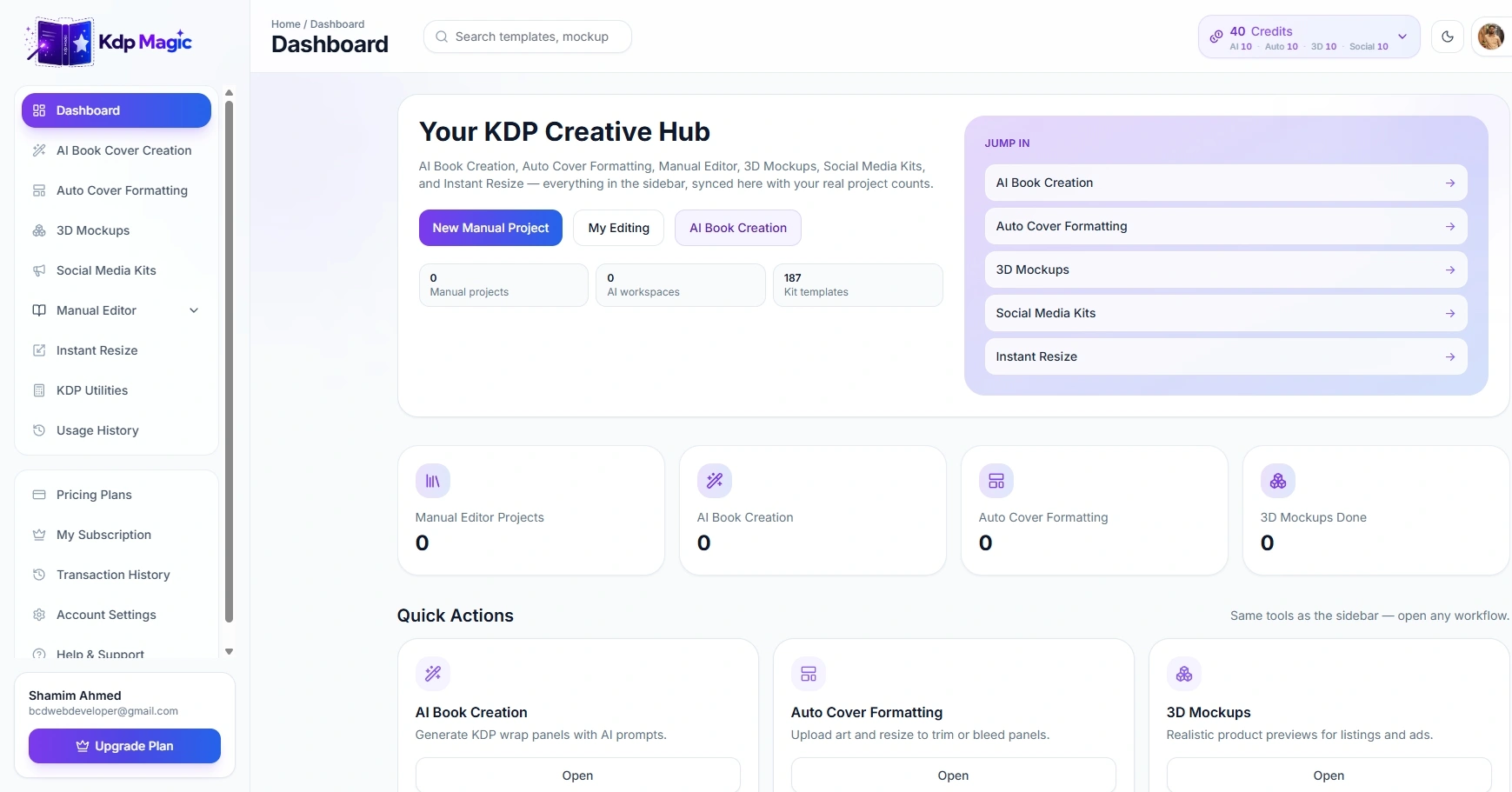
Cover Creation, Formatting, Mockups, and Launch Assets in One Dashboard
KDP Magic brings the major publishing-prep tasks into one workspace, so you can create a cover, format it for the right platform, generate marketing visuals, and keep projects organized.
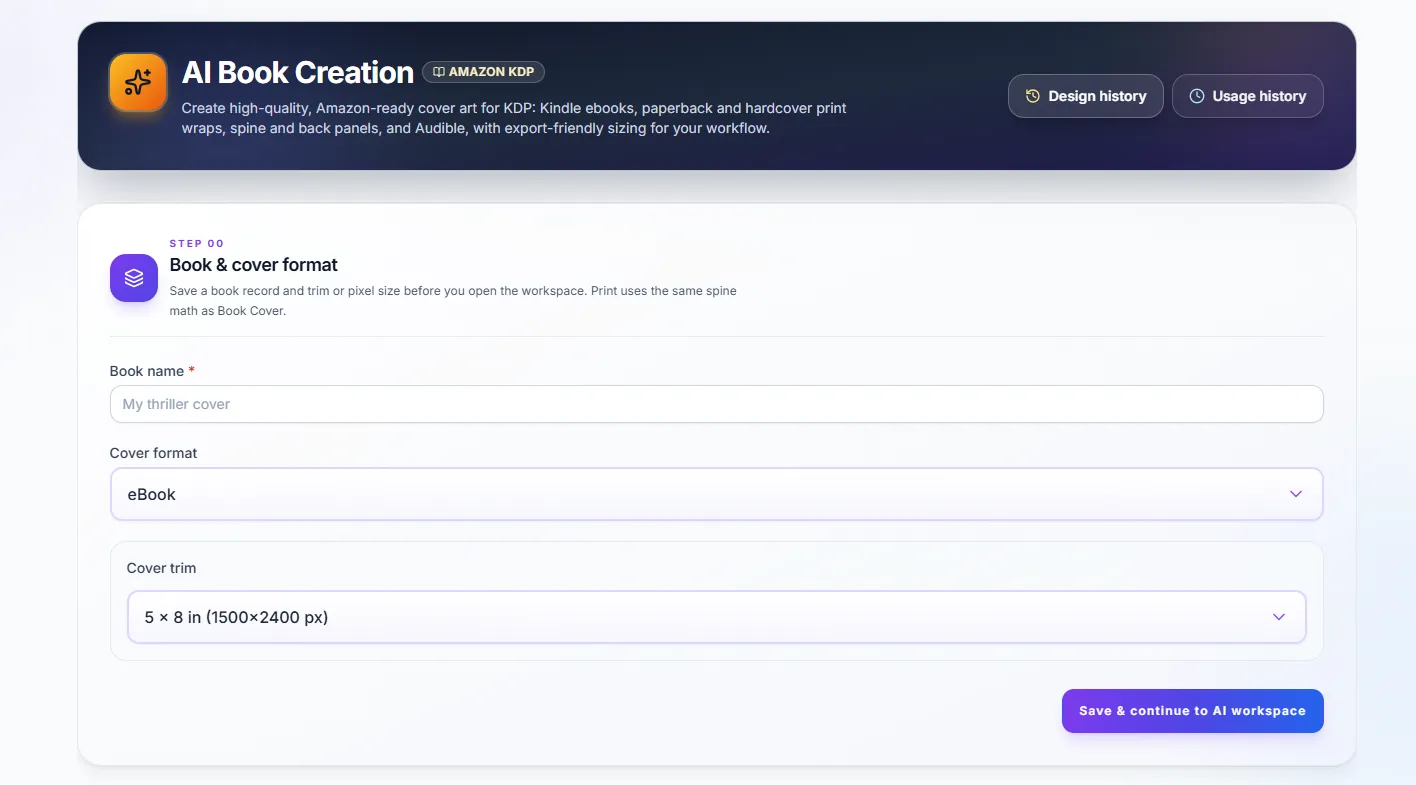
AI Book Cover Creation
Generate genre-ready covers in minutes for ebook, paperback, hardcover, and audiobook publishing workflows.
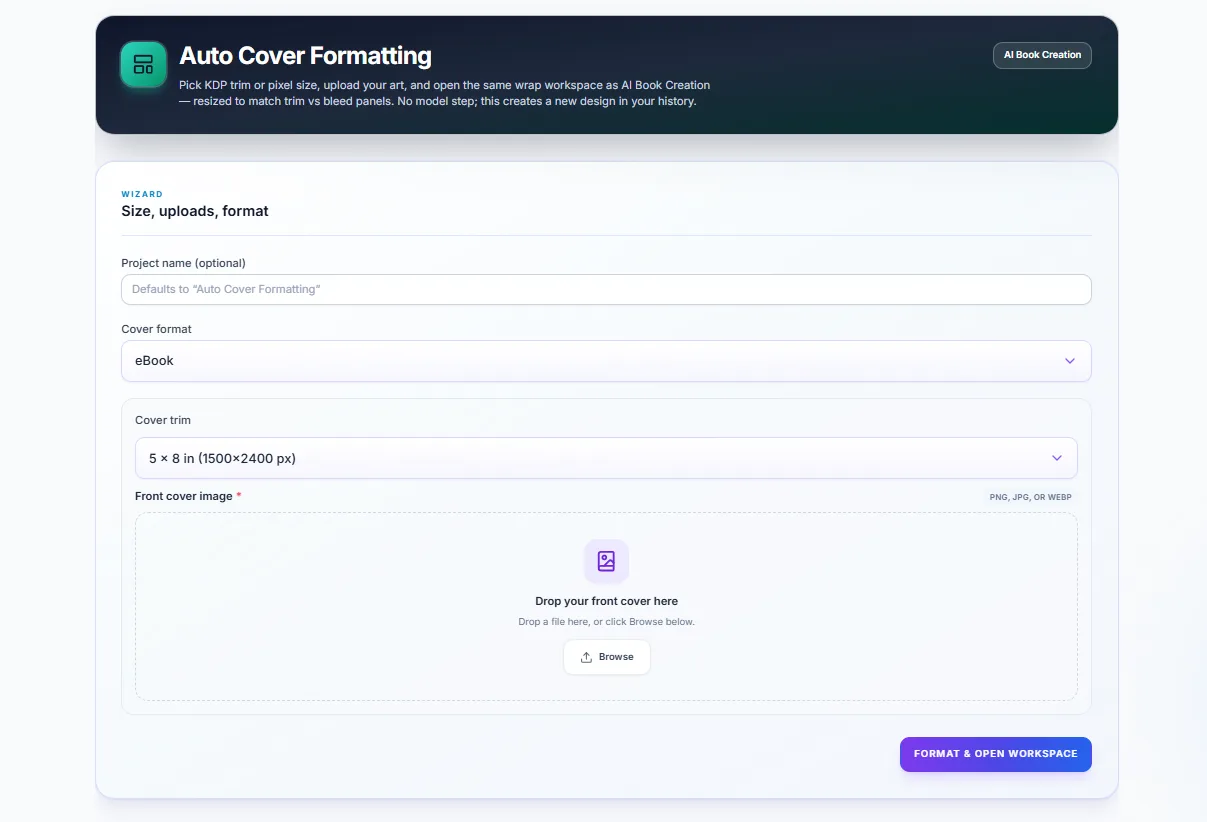
Auto Cover Formatting
Exact trim, bleed, barcode area, and spine width calculations help reduce rejected uploads and manual resizing work.
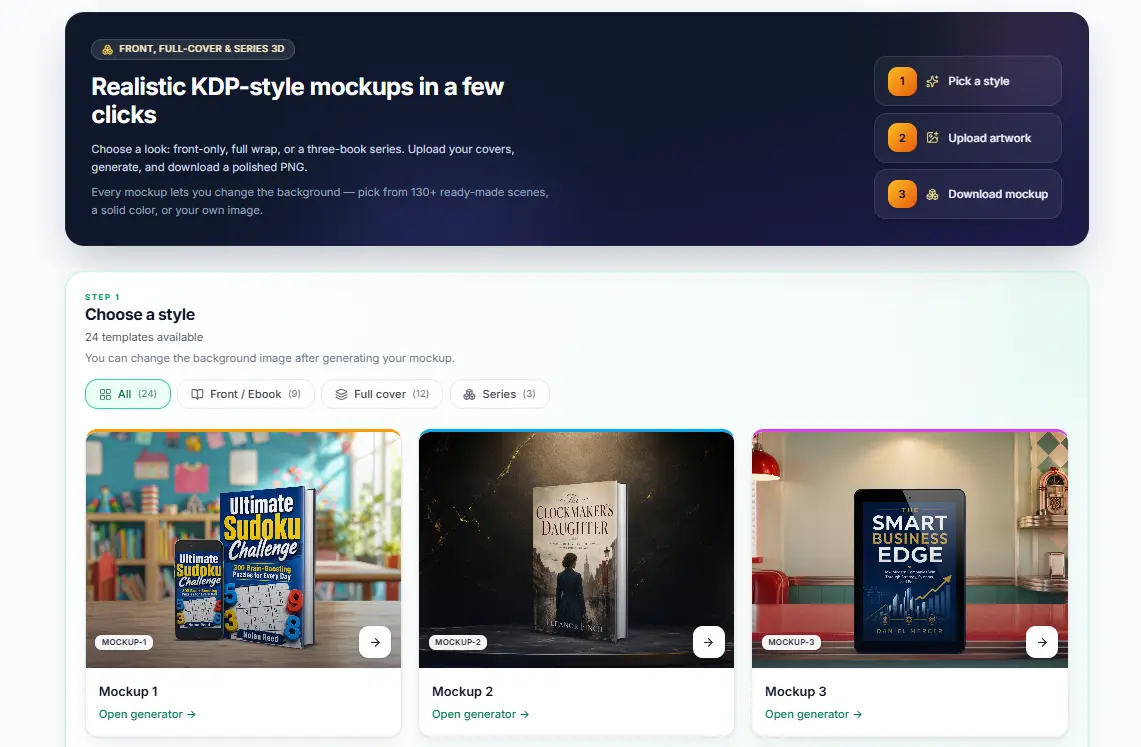
3D Mockups
Create realistic product shots for listings, ads, author websites, and book launch campaigns in one click.
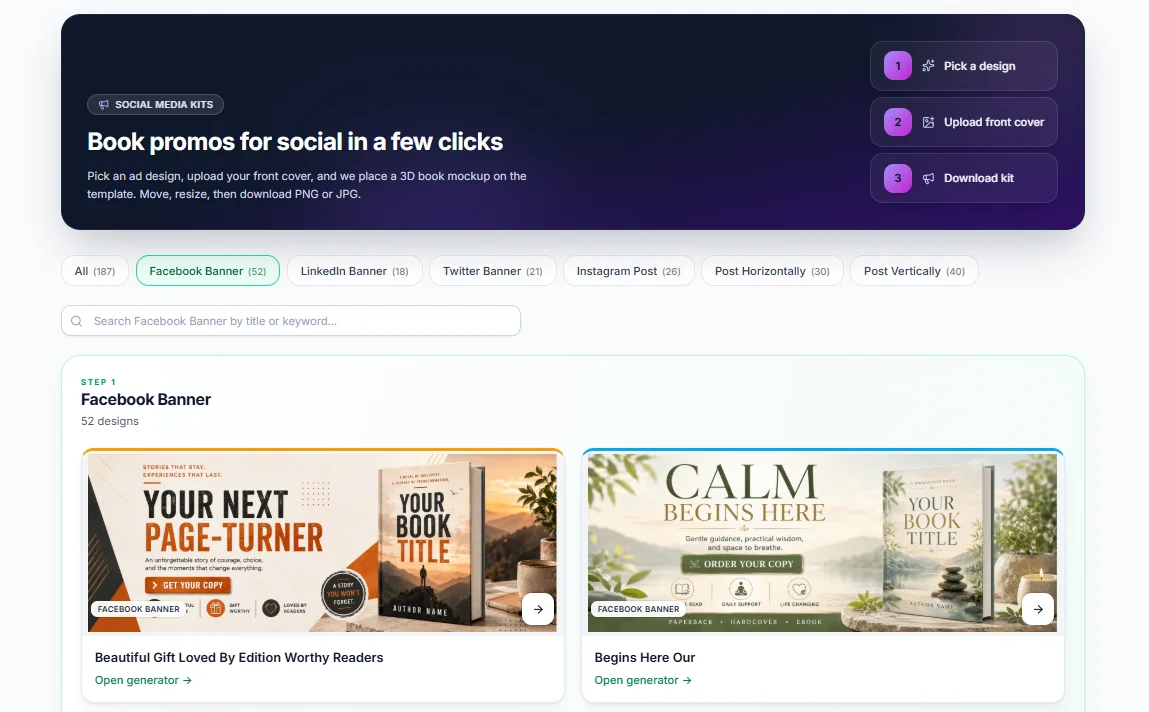
Social Media Kits
Auto-sized promo graphics for Facebook, Instagram, LinkedIn, Twitter/X, and launch ads from your book cover assets.
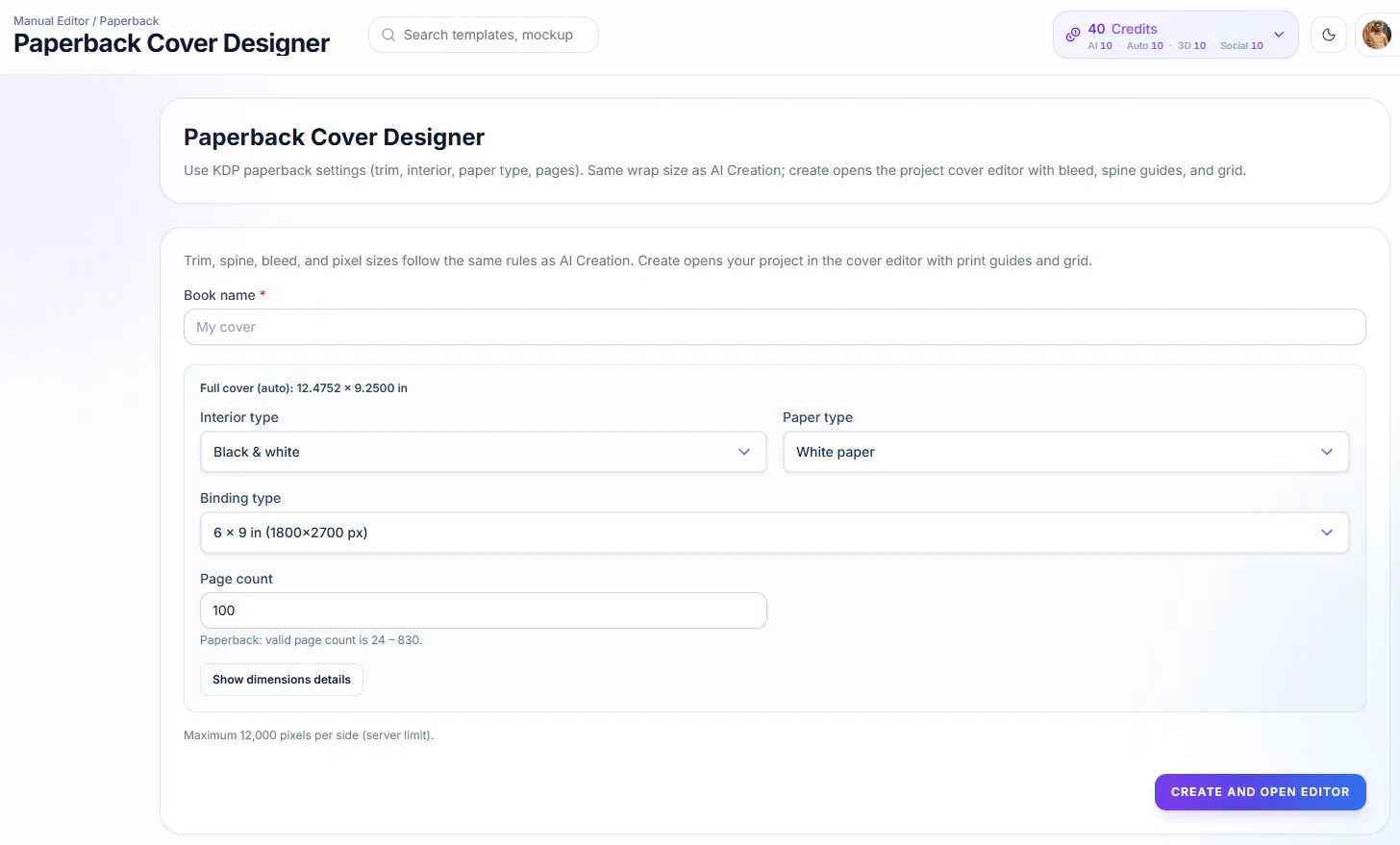
Manual Editor
Fine-tune typography, spine text, image placement, and panel layout by hand while keeping your project synced.
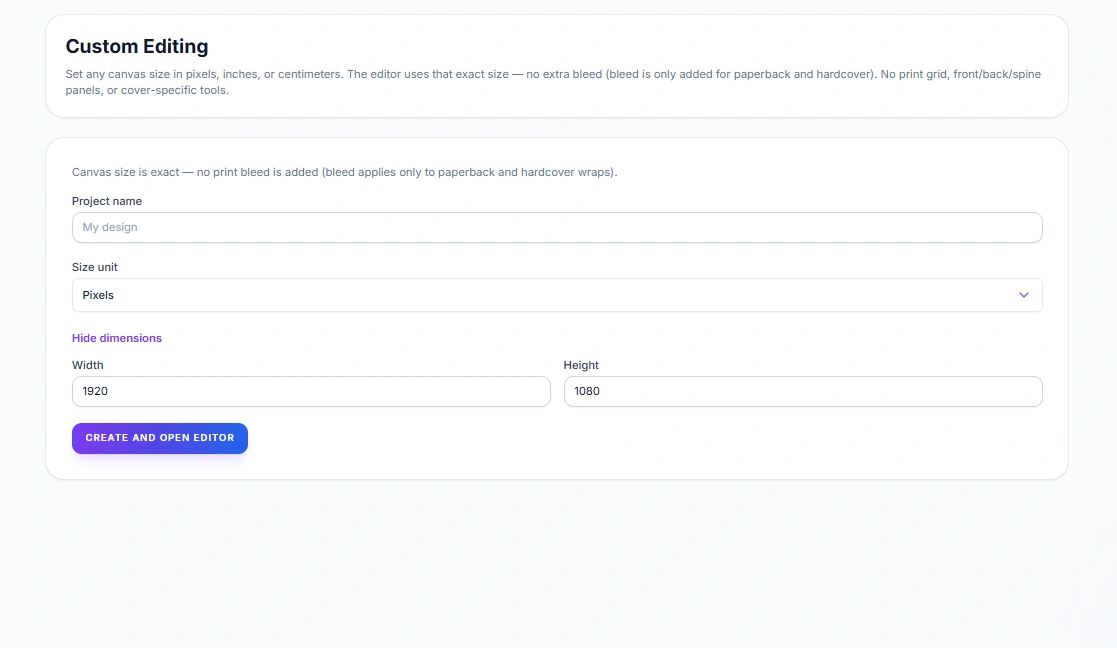
Custom Editing
Handle odd trim sizes, unusual book formats, and special cover requirements when a standard template is not enough.
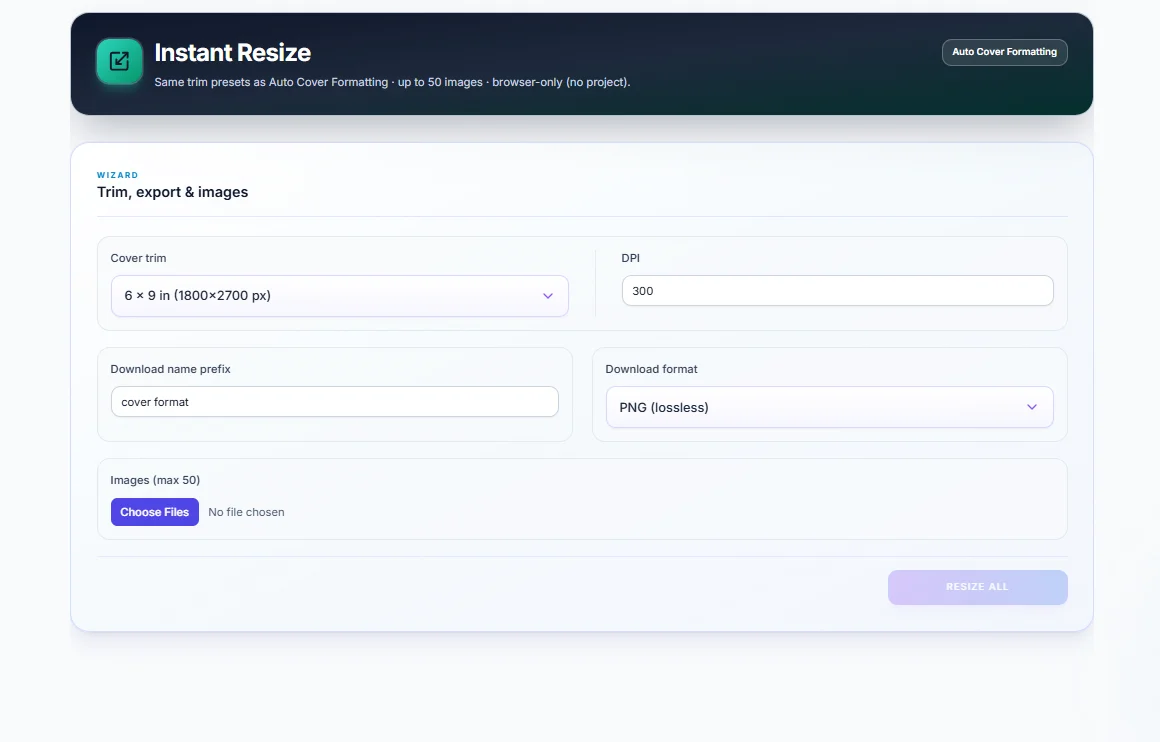
Instant Resize
Use one upload and convert it into the cover formats you need for ebook, paperback, audiobook, and promo graphics.
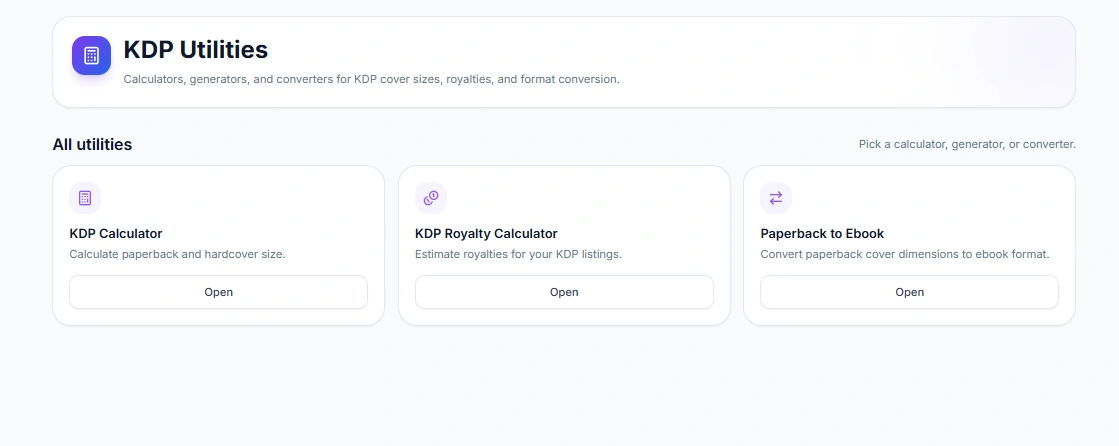
KDP Utilities
Use spine, royalty, bleed, cover size, and publishing calculators to prepare files with better accuracy.
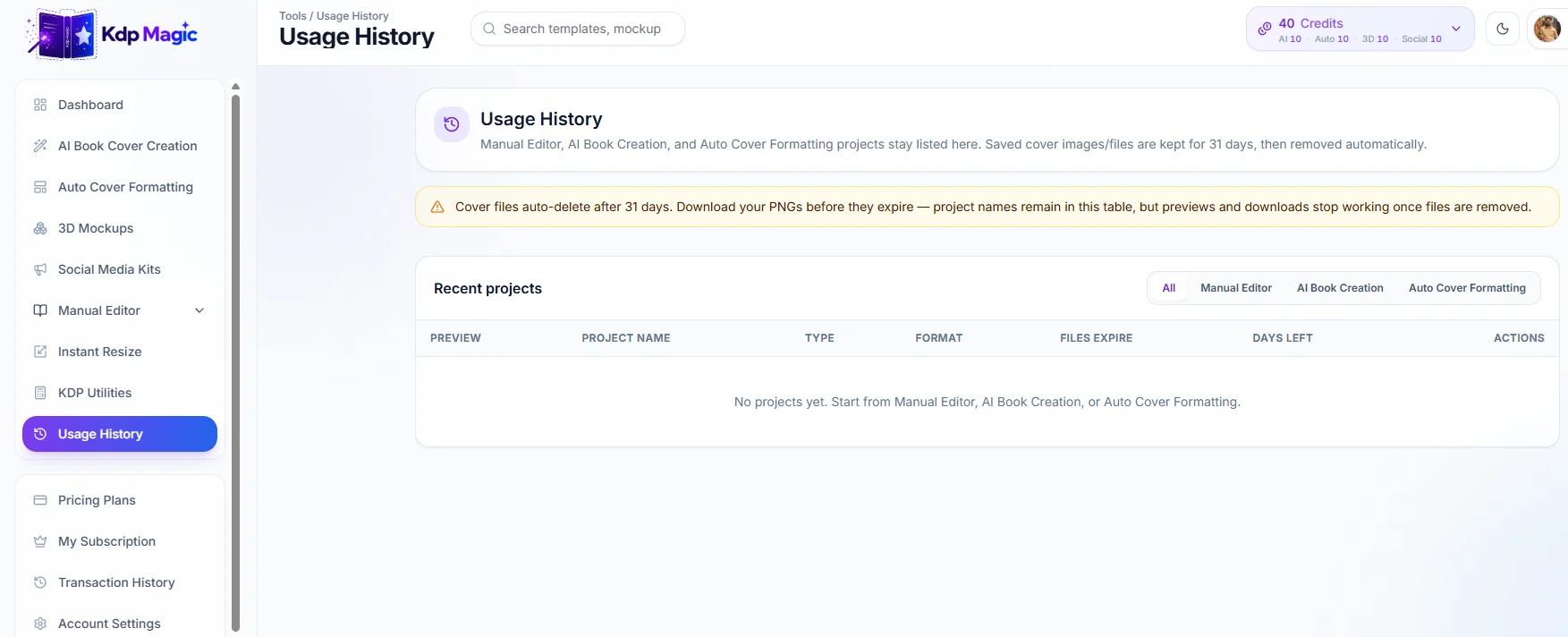
Usage History
Keep every project organized so you can return to past covers, mockups, social kits, and formatting tasks quickly.
How It Works from Project Choice to Upload-Ready Files
The workflow is built to help authors move from rough idea to formatted cover assets without waiting days for designer feedback loops.
Choose Your Project
Start with a cover, mockup, social kit, resize task, utility, or formatting workflow.
Add Your Details
Enter genre, style, trim size, page count, platform target, and cover direction.
Generate Assets
AI builds cover directions, formatting outputs, mockups, or media kit assets in seconds.
Refine and Export
Edit details, check the result, and export upload-ready files for your publishing platform.
Built for the Platforms You Publish To
KDP Magic helps you prepare covers and launch visuals for Amazon KDP, IngramSpark, Lulu, Draft2Digital, Barnes & Noble Press, Etsy, Gumroad, and similar publishing workflows.






The Old Way vs KDP Magic
Authors often lose time and money on measurement issues, revision loops, mockup add-ons, and manual resizing. KDP Magic brings those steps into one creative publisher suite.
The Old Way
Hiring a designer or trying DIY guesswork for every cover and revision.
- Rejection emails for wrong measurements, bleed, or spine width
- $50–$100+ per cover, and again for every revision
- No guaranteed 300 DPI print-ready file when upload time arrives
- 4–5 days or more waiting on designer drafts and feedback loops
- Mockups and social media kits cost extra, creating another invoice and delay
- AI artwork still needs resizing, wrapping, and formatting before upload
With KDP Magic
Your creative publisher suite for covers, formatting, mockups, and launch visuals.
- Measurements handled automatically with spine, trim, bleed, and barcode zone built in
- Roughly $0.60–$1 per cover on plan credits instead of hundreds per revision
- High-quality, print-ready 300 DPI exports built for KDP, IngramSpark, and more
- Around 5 minutes to generate a wrap or auto-format panels instead of waiting a week
- Mockups and social media kits included in your plan with no surprise add-ons
- Upload your own design, format it, and export a compliant wrap with one workflow
A Faster Feature Set for Modern Self-Publishing
KDP Magic helps authors create cover assets, format files, and prepare marketing visuals faster from one organized dashboard.
Frequently Asked Questions About KDP Magic Features
Learn how KDP Magic handles cover review preparation, platform formatting, AI editing, instant resizing, custom trim sizes, mockups, and social media kits.
Auto Cover Formatting calculates spine width, bleed, and trim from your page count automatically, so your file matches Amazon-style upload requirements before you export.
It supports publishing workflows for Amazon KDP, IngramSpark, Lulu, Draft2Digital, Barnes & Noble Press, Etsy, and Gumroad, with dimensions calculated around the selected format.
Yes. Every AI cover can open in the Manual Editor, where you can adjust typography, spine text, image placement, and layout without starting over.
No. Instant Resize takes one design and exports correctly sized versions for the formats you need, including digital covers, print wraps, audiobook artwork, and promo graphics.
Custom Editing gives you manual control over trim sizes and cover formats that do not fit a standard template, so odd projects can still be formatted correctly.
3D Mockups gives you realistic product shots for listings and ads. Social Media Kits create auto-sized promo graphics for Instagram, Facebook, LinkedIn, Twitter/X, and launch campaigns.
Ready to Publish Faster?
Start creating book covers, format your files, generate mockups, build social media kits, and prepare upload-ready assets inside one KDP-focused workspace.